The volume of a video or an IPTV channel can be controlled and muted in a playlist.
How to Mute a video in a playlist
- In the left sidebar, select Playlists, then open your playlist.
- Click the layer.
- Click Edit next to the video or IPTV stream you want to mute.
- In Media Settings, under Volume control, select Mute this video. The change is saved straight away.
- Click Publish changes of this playlist to send it to your screens.
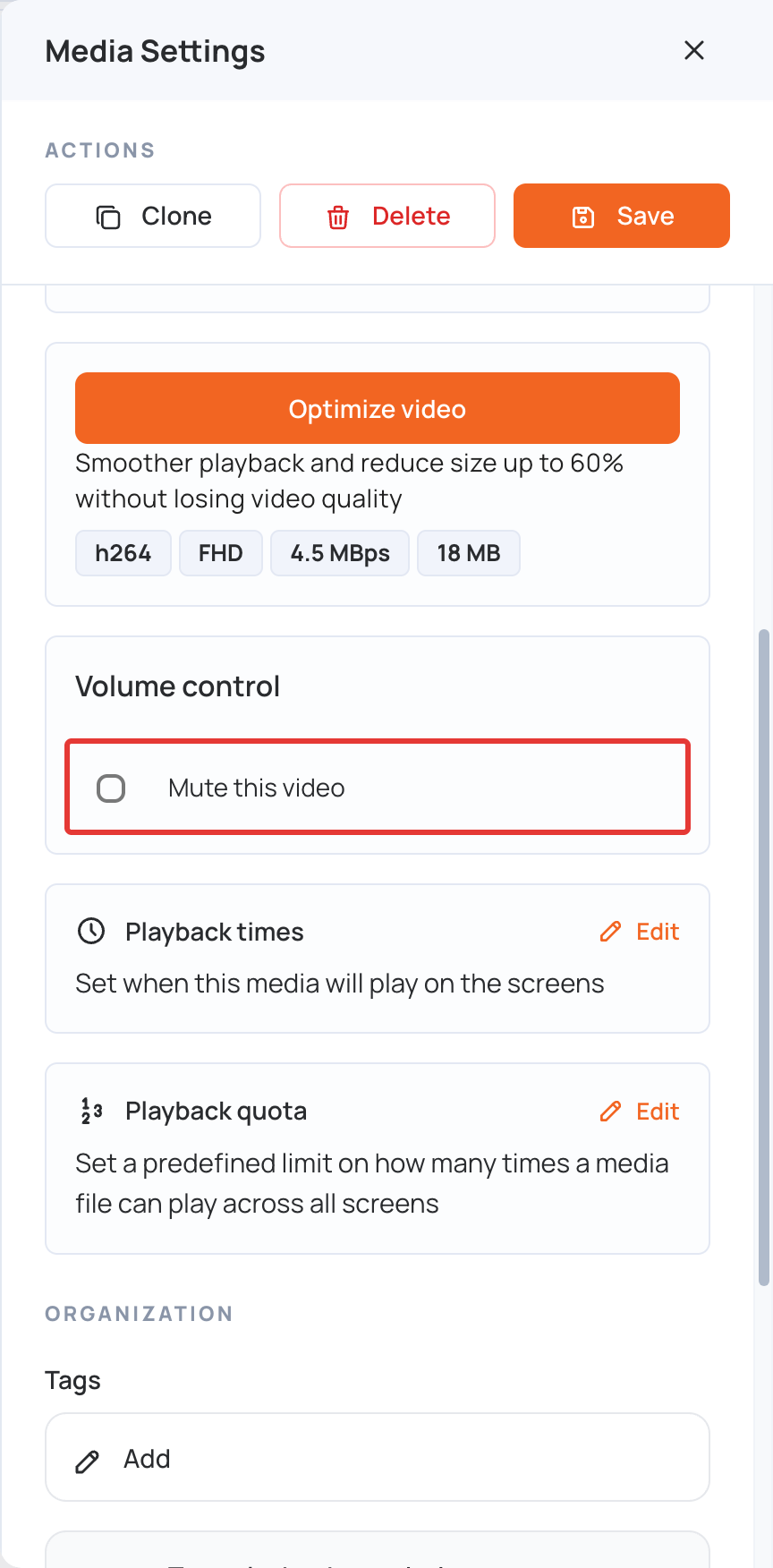
(To unmute the video, clear Mute this video.)