MustHaveMenus is an online menu design platform for restaurants and cafés. Show a MustHaveMenus menu board on your screens; when you publish changes in MustHaveMenus, your screens update by themselves.
Copy the Link from MustHaveMenus
- Open your menu board design in MustHaveMenus.
- Click Share at the top right.
- Choose View Only Link.
- Click Copy to copy the link.
Add MustHaveMenus to a Playlist
- Open the playlist, then click the layer. See Playlist Media Management.
- If the layer is empty, the content apps open. If it already has media, click Add New.
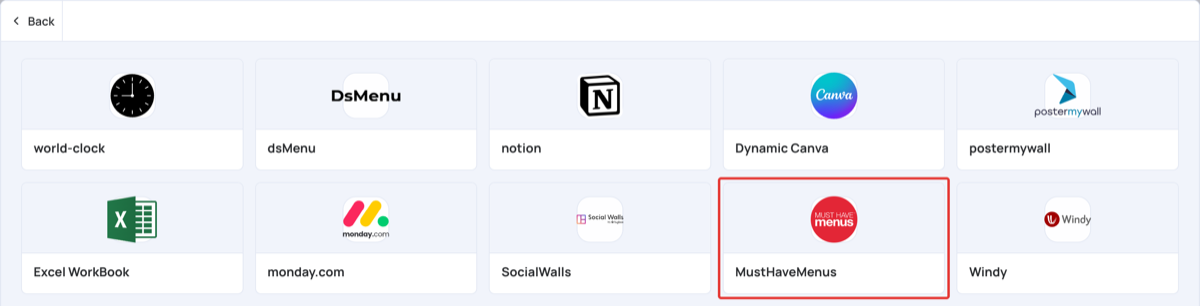
- Click General Apps, then MustHaveMenus.
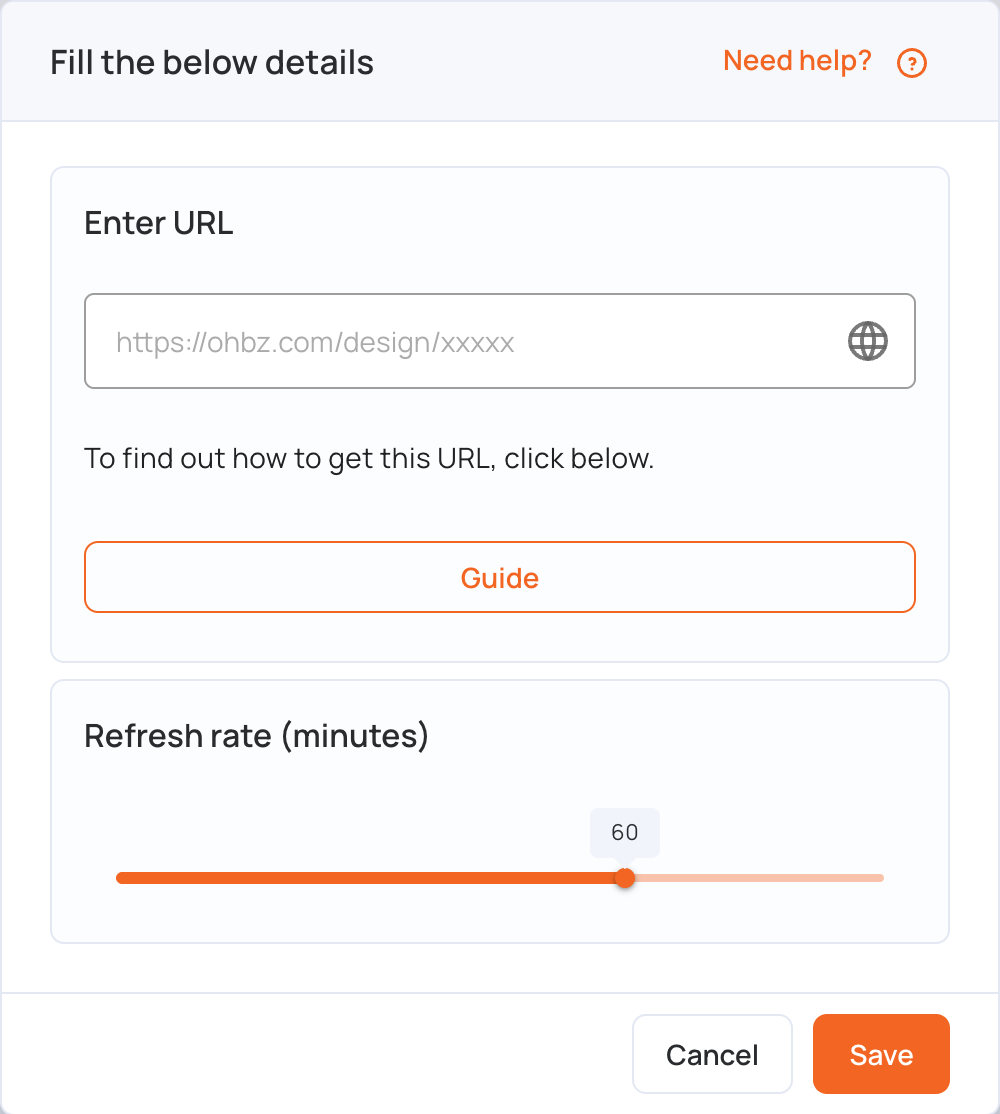
- Paste the link in Enter URL. It looks like
https://ohbz.com/design/.... - Set Refresh rate (minutes): how often the screen reloads the menu, from 1 to 90 minutes (60 by default).
- Click Save.
- Click Publish changes of this playlist to send it to your screens.
Note: After you change your design, click Publish at the top right in MustHaveMenus. Your screens only show the changes once they are published there, at the next refresh.