Use the IPTV Stream app to play a live TV channel or a live video stream on your screens, from your IPTV provider’s stream link.
How to Add an IPTV Stream
- Copy the stream link from your IPTV provider.
- Open the playlist, then click the layer. See Playlist Media Management.
- If the layer is empty, the content apps open. If it already has media, click Add New.
- Click Video Apps, then IPTV Stream.

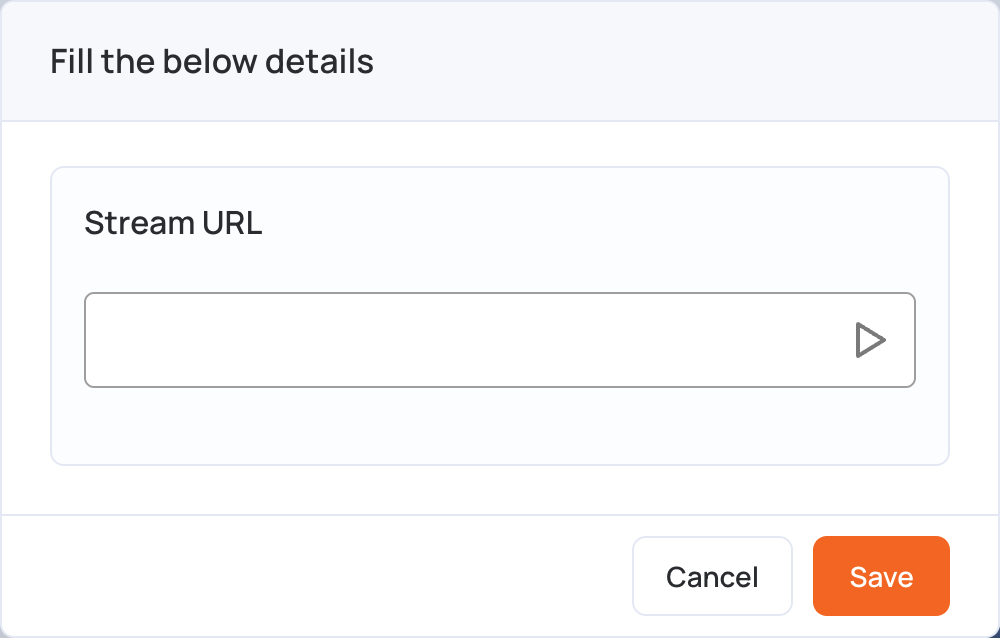
- Paste the link in Stream URL.
- Click Save.
- Click Publish changes of this playlist to send it to your screens.
Notes:
- The screen needs an internet connection to play the stream.
- To play the stream without sound, see Volume Control.