The Instagram app lets you display your Instagram feed directly on your digital signage screens. Share photos, videos, and reels from your business account and keep your audience engaged with fresh, visual content automatically.
- Go to the management console
- Click on the playlist then the layer where you will add the Instagram app.
- If the layer has no media, the apps dialog will open. Otherwise, click on Add New
- Click on Social Media
- Choose Instagram
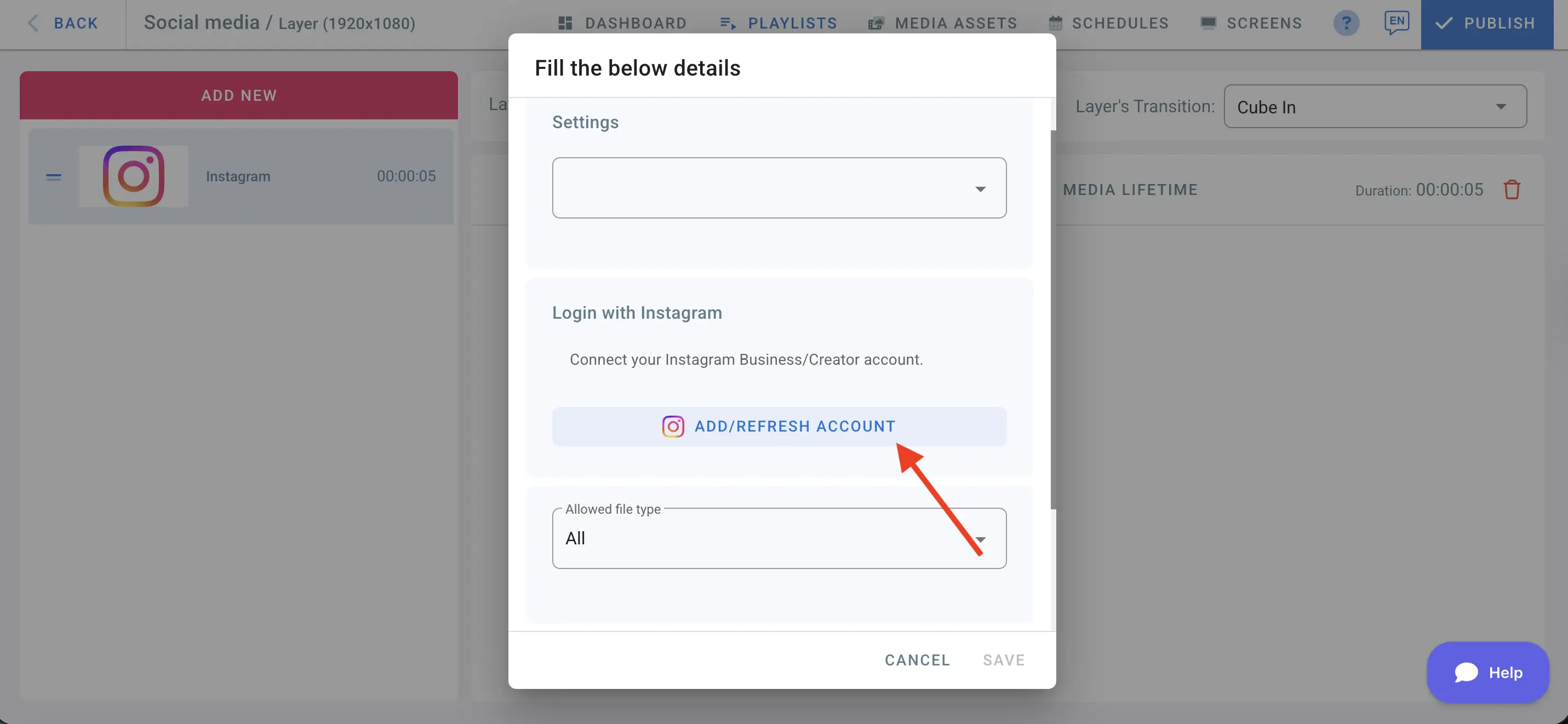
- In the details, click “Add/Refresh Account” to connect your Instagram account
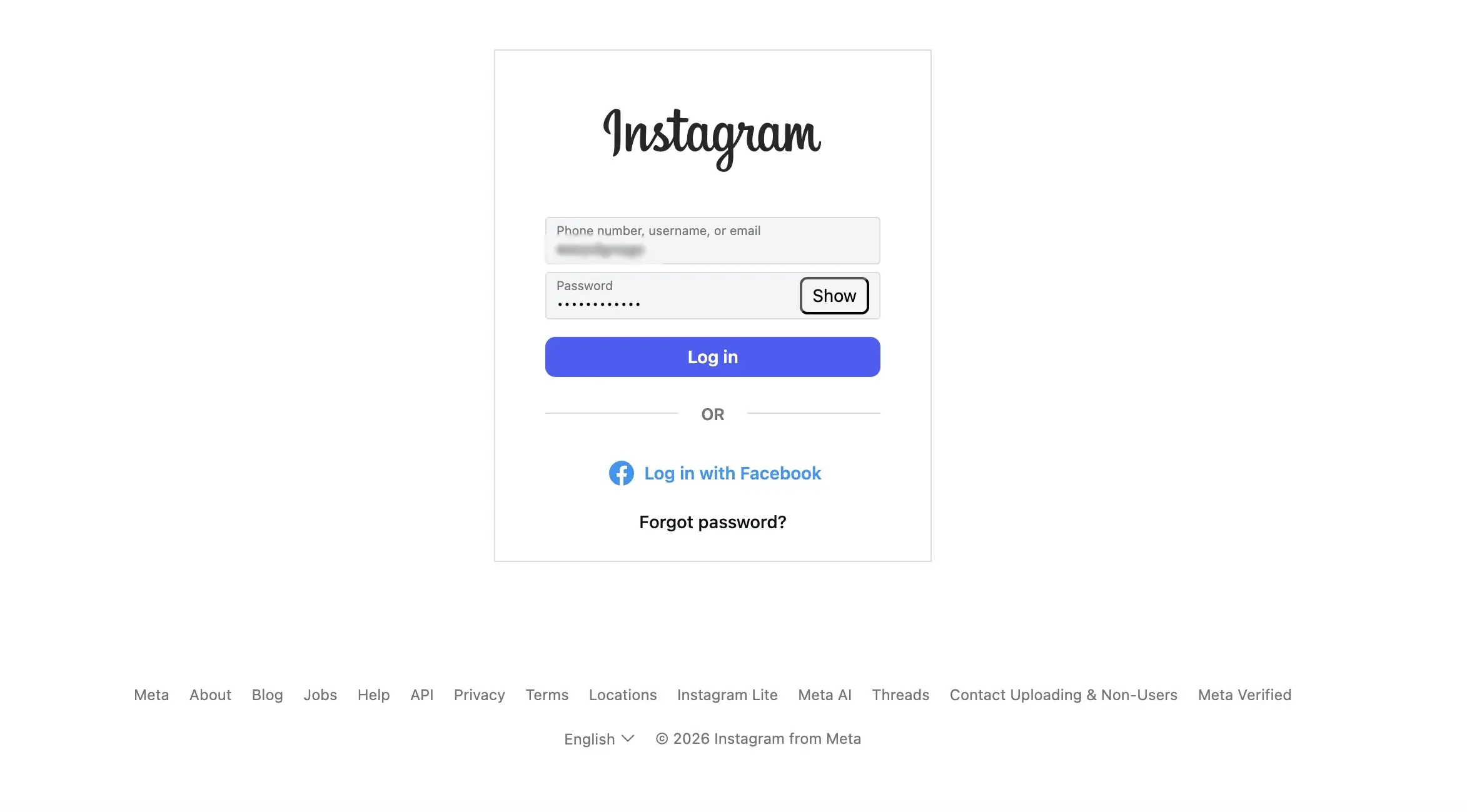
- Enter your business Instagram account and password
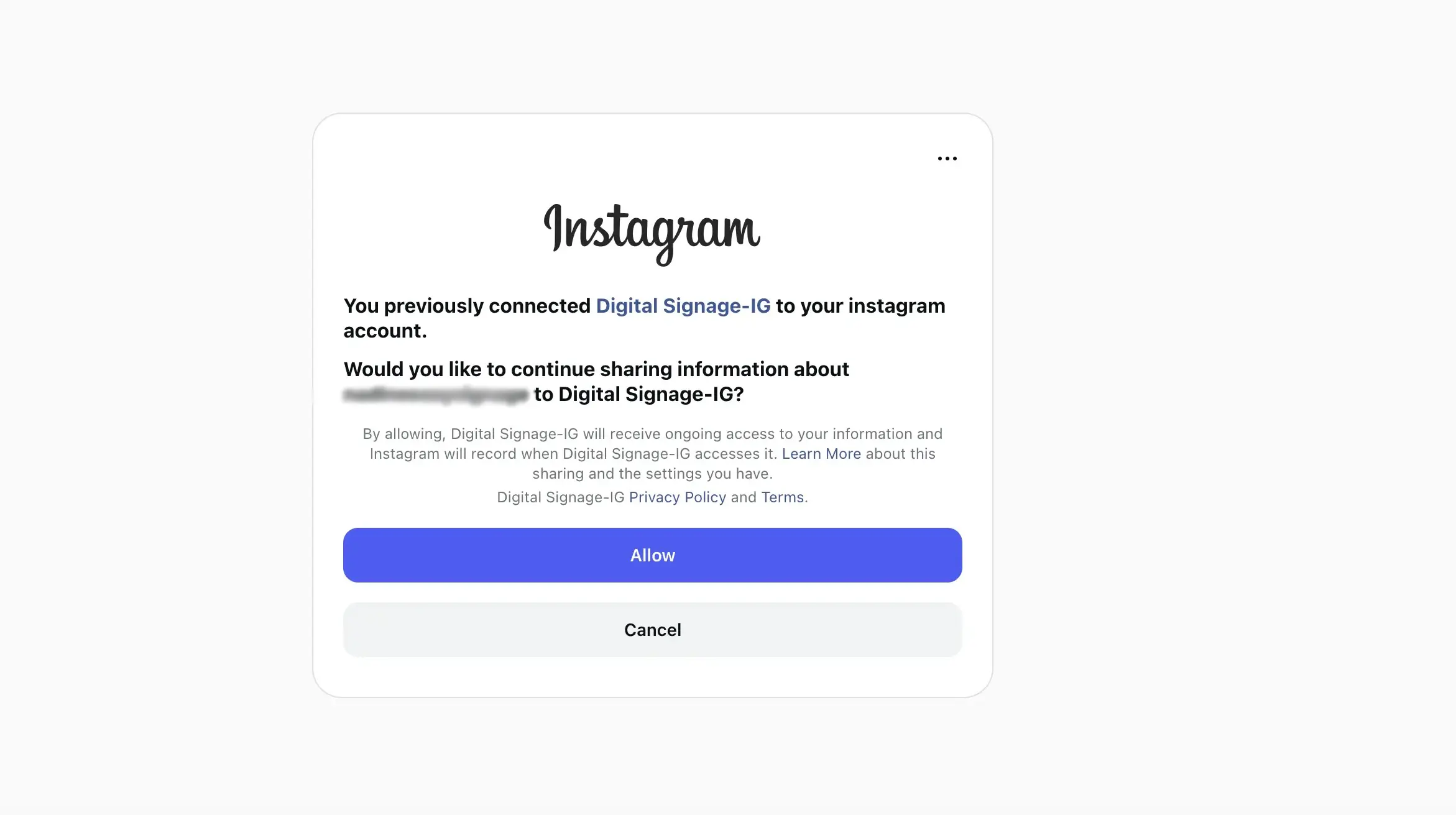
- Click “Allow” to grant access to your Instagram account
After connecting Instagram to your digital signage account, choose the type of content you want to display — images, videos, or both.
Set the media count to control how many posts are pulled from Instagram and displayed on your screen.
Click “Save”.
Assign the playlist to your screen and click “Publish” to push your Instagram content live.