Use Import video from url to add a video from a video site, such as YouTube or Vimeo, or from a direct link to a video file. The CMS downloads the video and adds it to the layer like an uploaded video, so the screen plays it from its own copy.
How to Import a Video
- Copy the video’s link from the video site.
- Open the playlist, then click the layer. See Playlist Media Management.
- If the layer is empty, the content apps open. If it already has media, click Add New.
- Click Video Apps, then Import video from url.

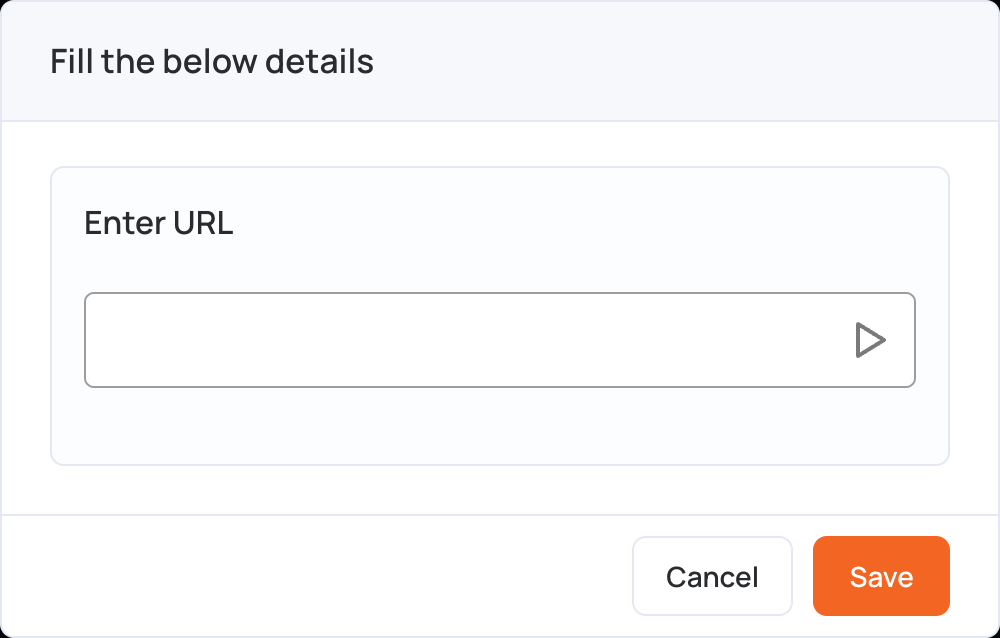
- Paste the link in Enter URL.
- Click Save. The CMS downloads the video; long videos take a little longer.
- Click Publish changes of this playlist to send it to your screens.
Notes:
- Import video from url is not available in video wall playlists.
- Only import videos you have the right to show.
- To show a YouTube video without downloading it, use the YouTube app.