Show a Google Docs document on your screens. Edits you make to the document show on your screens too.
Publish the Document in Google Docs
- Open the document in Google Docs.
- Click File > Share > Publish to web.
- Click Publish, then OK to confirm.
- Copy the link. It looks like
https://docs.google.com/document/d/e/.../pub.
Add Google Docs to a Playlist
- Open the playlist, then click the layer. See Playlist Media Management.
- If the layer is empty, the content apps open. If it already has media, click Add New.
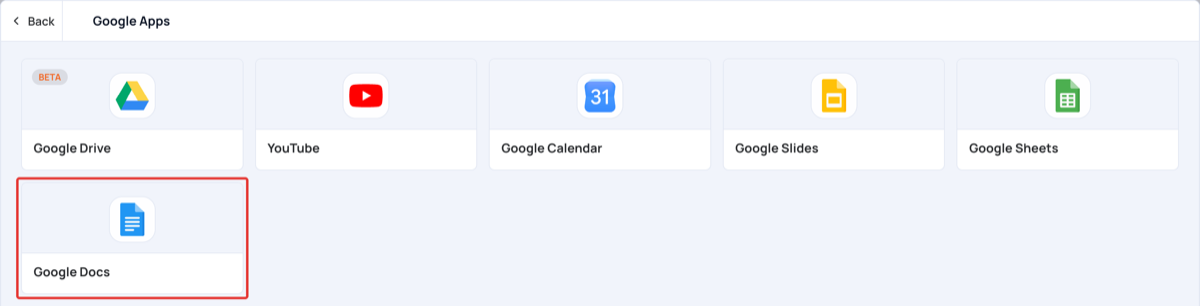
- Click Google Apps, then Google Docs.
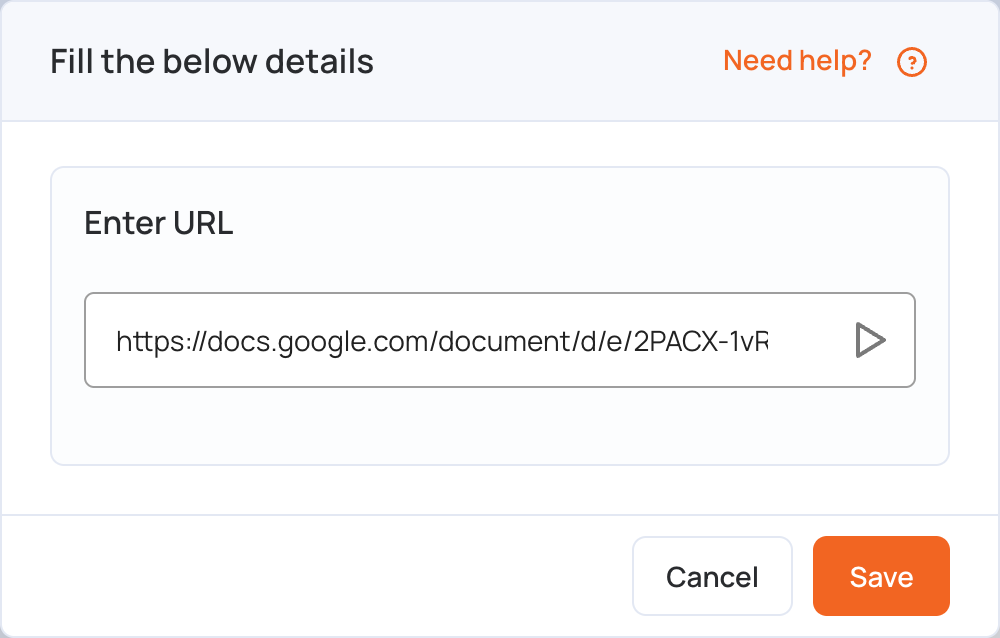
- In Enter URL, replace the sample link with your document’s link.
- Click Save.
- Click Publish changes of this playlist to send it to your screens.