Geckoboard is an online dashboard tool that shows your key figures (KPIs) from more than 90 data sources, such as Google Analytics, Salesforce, Zendesk and spreadsheets. Show a Geckoboard dashboard on your screens to keep your team up to date.
Copy the Dashboard Link from Geckoboard
- Open your dashboard in Geckoboard.
- Click Share, then choose Link.
- Click the three dots next to the link and choose Copy.
Add Geckoboard to a Playlist
- Open the playlist, then click the layer. See Playlist Media Management.
- If the layer is empty, the content apps open. If it already has media, click Add New.
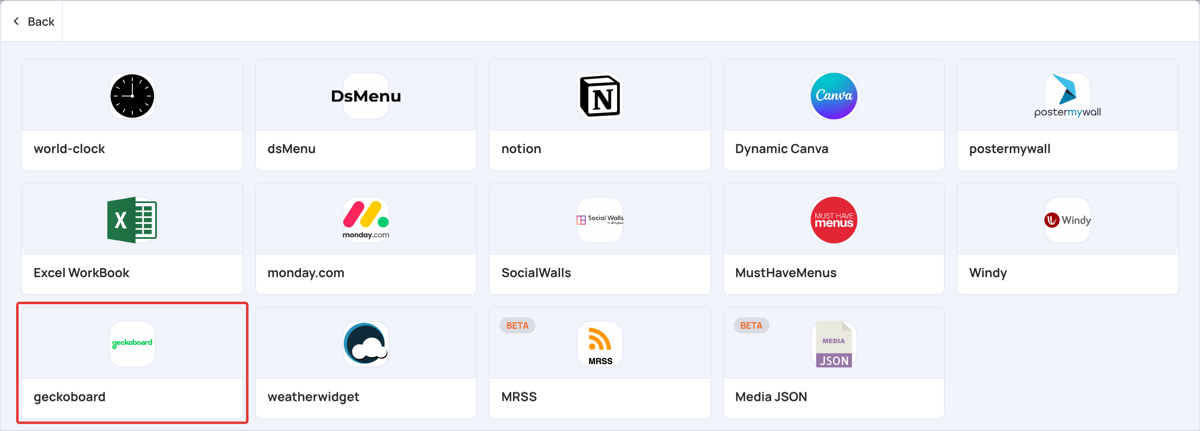
- Click General Apps, then geckoboard.
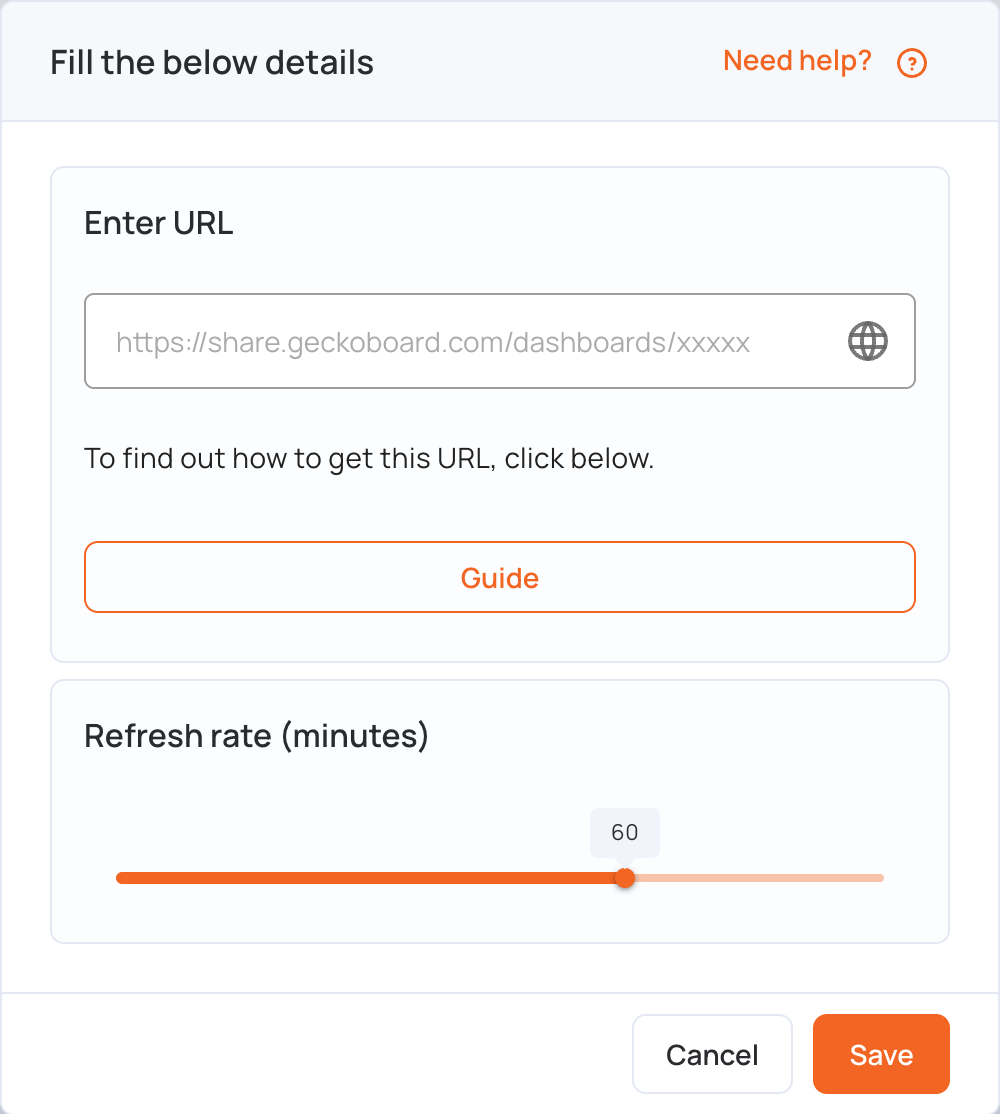
- In Enter URL, paste the dashboard link. It looks like
https://share.geckoboard.com/dashboards/.... - Set Refresh rate (minutes): how often the screen reloads the dashboard, from 1 to 90 minutes (60 by default).
- Click Save.
- Click Publish changes of this playlist to send it to your screens.