Use the Follow Us app to show a banner with one of your social media accounts and a QR code that viewers can scan to open it.
Note: Follow us is offered on full-screen layers and some other built-in layers. It is not offered on video walls or on a layer you have resized.
How to Add a Follow Us Banner
- Open the playlist, then click the layer. See Playlist Media Management.
- If the layer is empty, the content apps open. If it already has media, click Add New.
- Click Follow us, then choose the network: Instagram, YouTube, Facebook, X or LinkedIn.

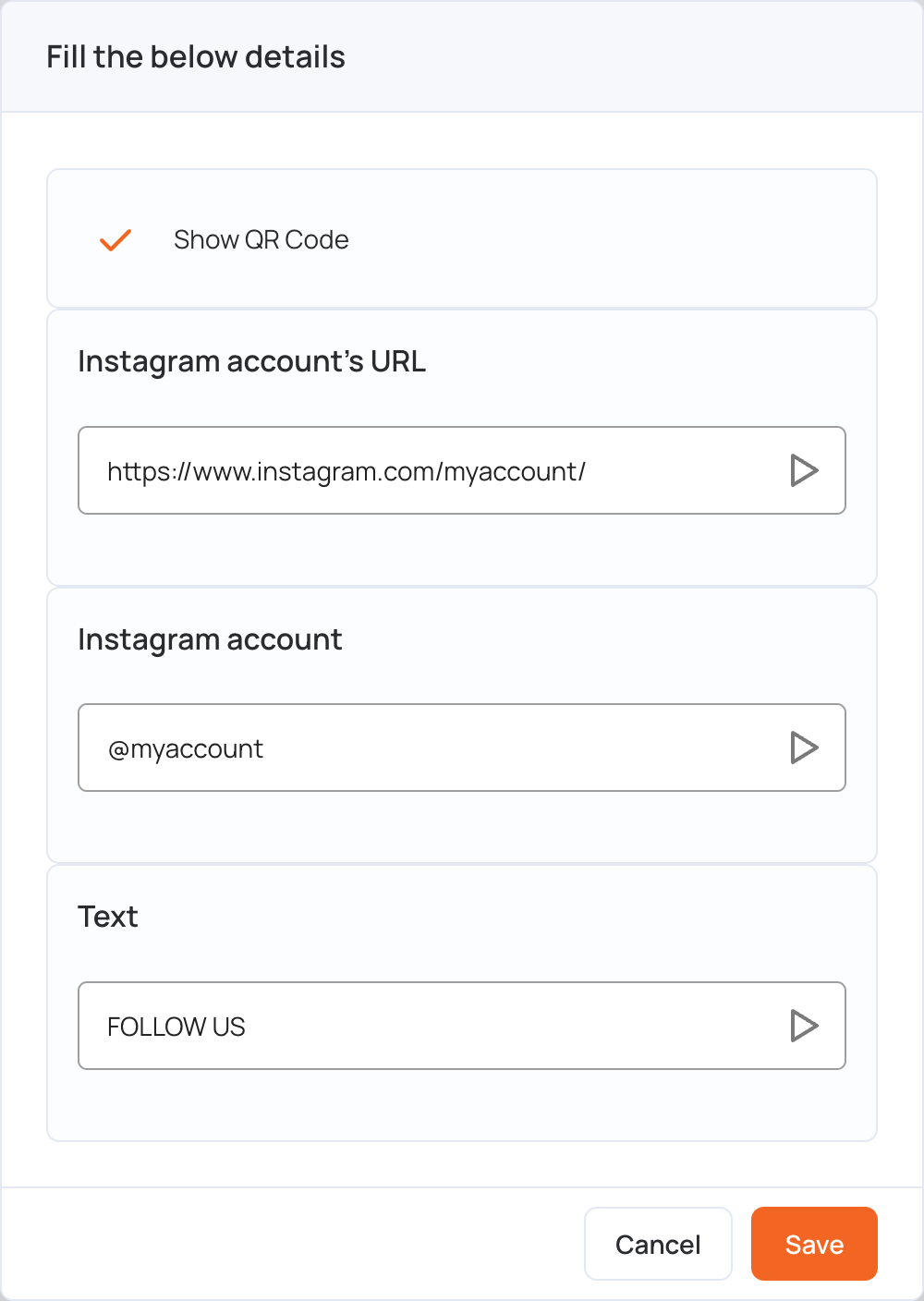
- Fill in the details:
- Show QR Code: shows a QR code that opens your account. Clear it to hide the QR code.
- Text: the heading on the banner, for example FOLLOW US.
- The account’s URL: the address the QR code opens.
- The account: the name shown on the banner, for example @myaccount.
- Click Save.
- Click Publish changes of this playlist to send the banner to your screens.