Use the Embedded HTML app to show web content from HTML code, such as an embed code copied from a website’s Share > Embed option, or your own HTML.
How to Add Embedded HTML
- Copy the HTML code you want to show.
- Open the playlist, then click the layer. See Playlist Media Management.
- If the layer is empty, the content apps open. If it already has media, click Add New.
- Click Web, then Embedded HTML.

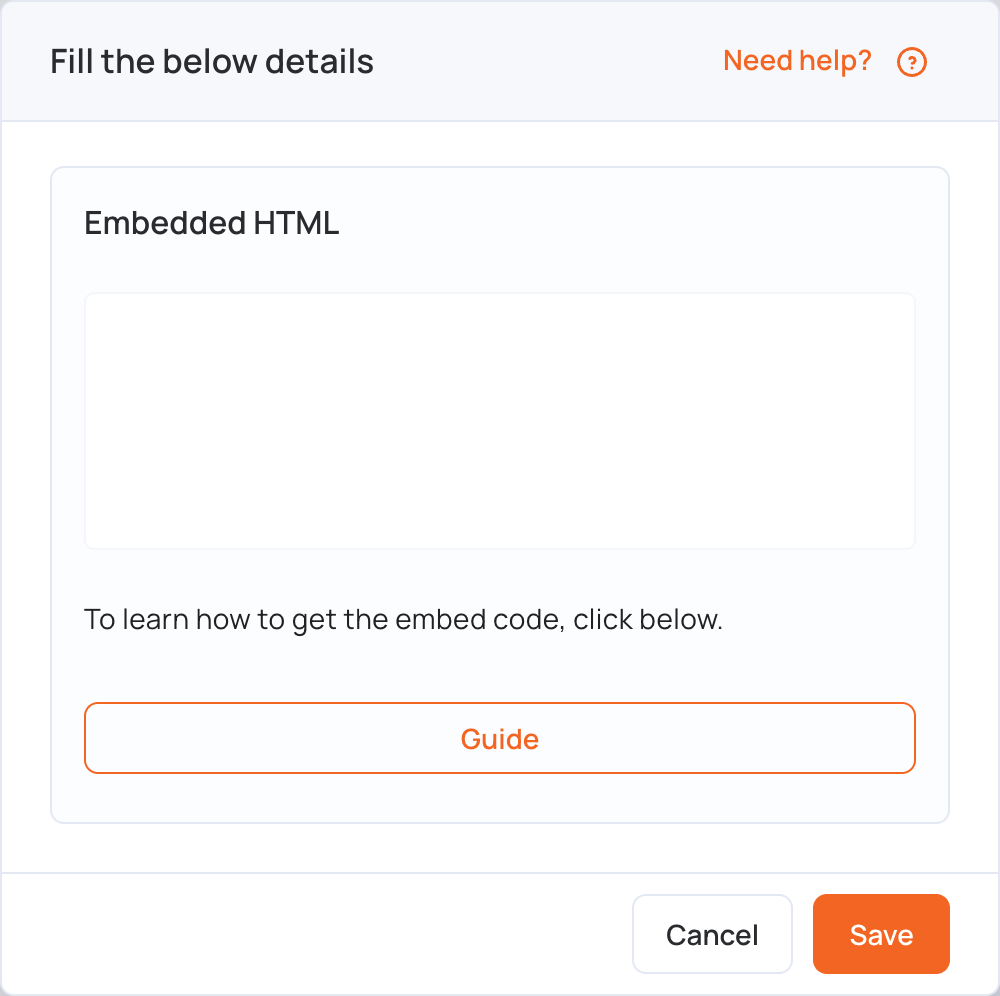
- Paste the code in the Embedded HTML box.
- Click Save. The layer shows a preview of the content.
- Click Publish changes of this playlist to send it to your screens.
To show a whole web page from its address instead, use the Website app.