The World Clock app brings a polished, professional time display to any digital signage screen. With over 28 carefully designed themes spanning classic analog dials and modern digital styles, you can find the perfect look for any environment, whether it’s a hotel lobby, corporate office, airport terminal, or retail space.
Themes
Choose from two theme families to match the visual style of your display:
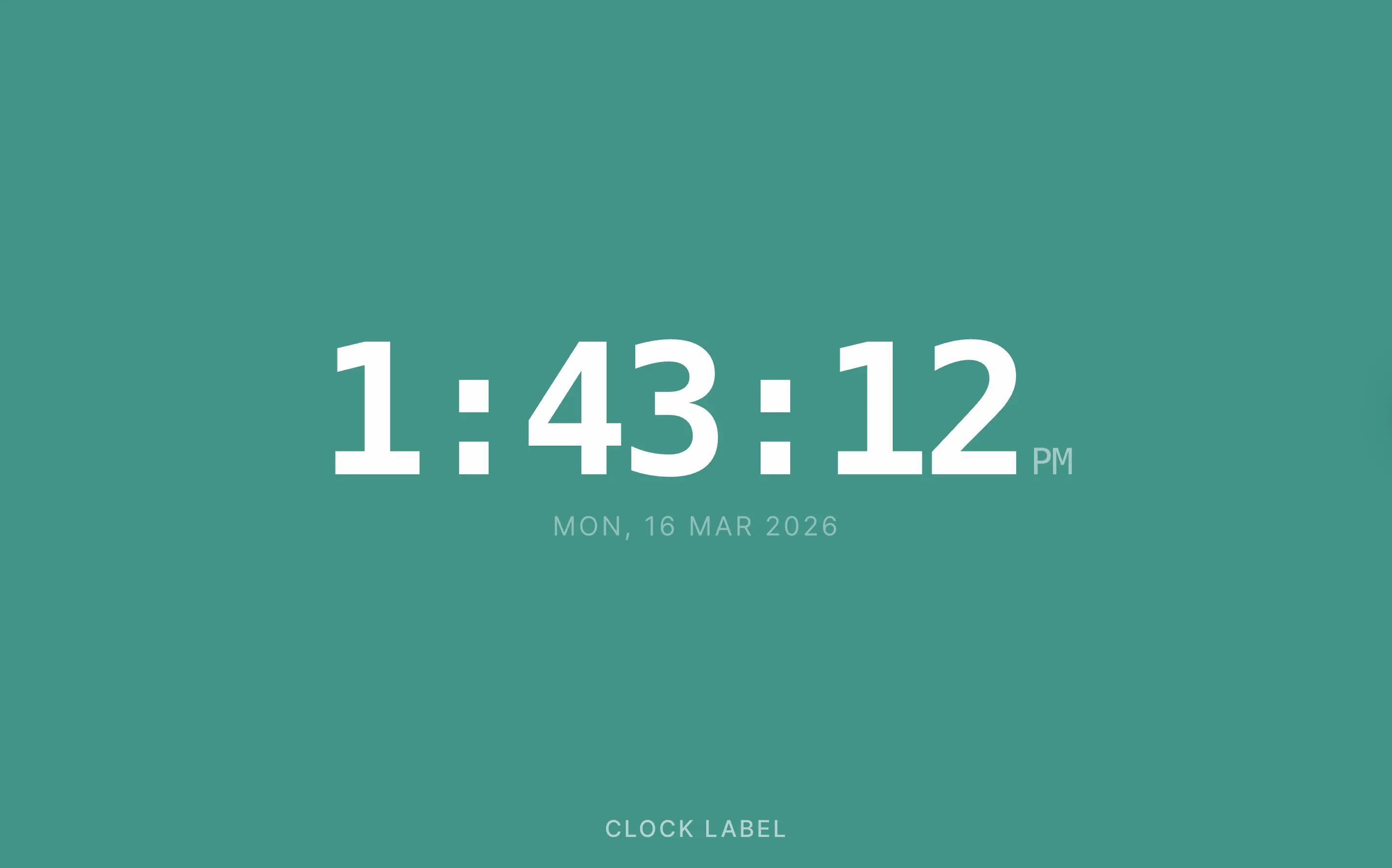
Digital themes offer a technology-forward aesthetic, with styles including Minimal, Neon, Flip, Rounded, Condensed, Dot Matrix, Glass, Outline, Block, Split Modern, and LED Bar.
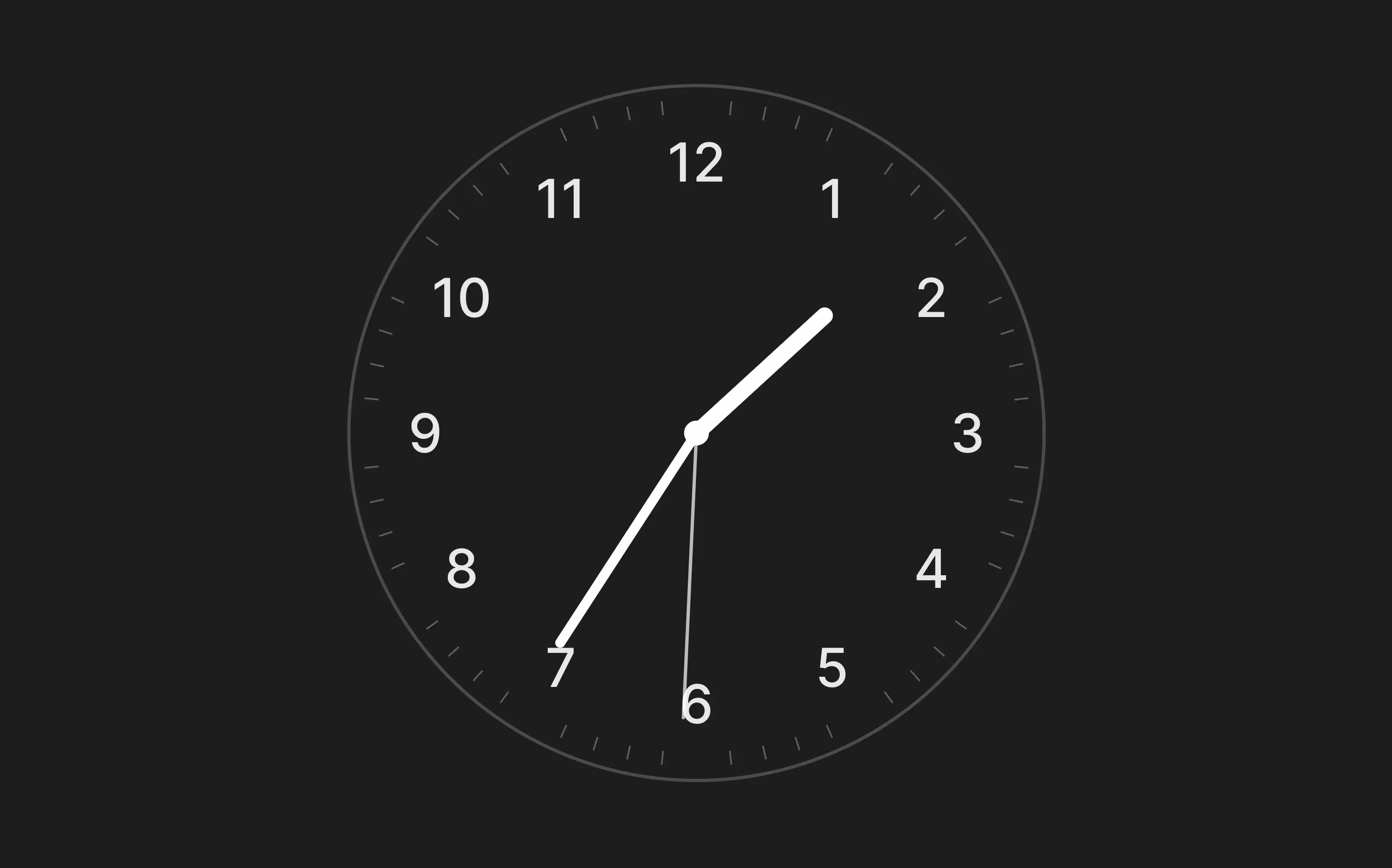
Analog themes provide a classic or contemporary dial look, with styles including Swiss, Chronograph, Gradient Dial, Ultra Minimal, Thin Line, Shadow Dial, Open Face, Bold Index, Sweep Modern, Classic Numbers, Roman Numerals, Art Deco, Modern Numbers, Sweep Numbers, Bold Numbers, Shadow Numbers, Minimal Numbers, and Chrono Numbers.
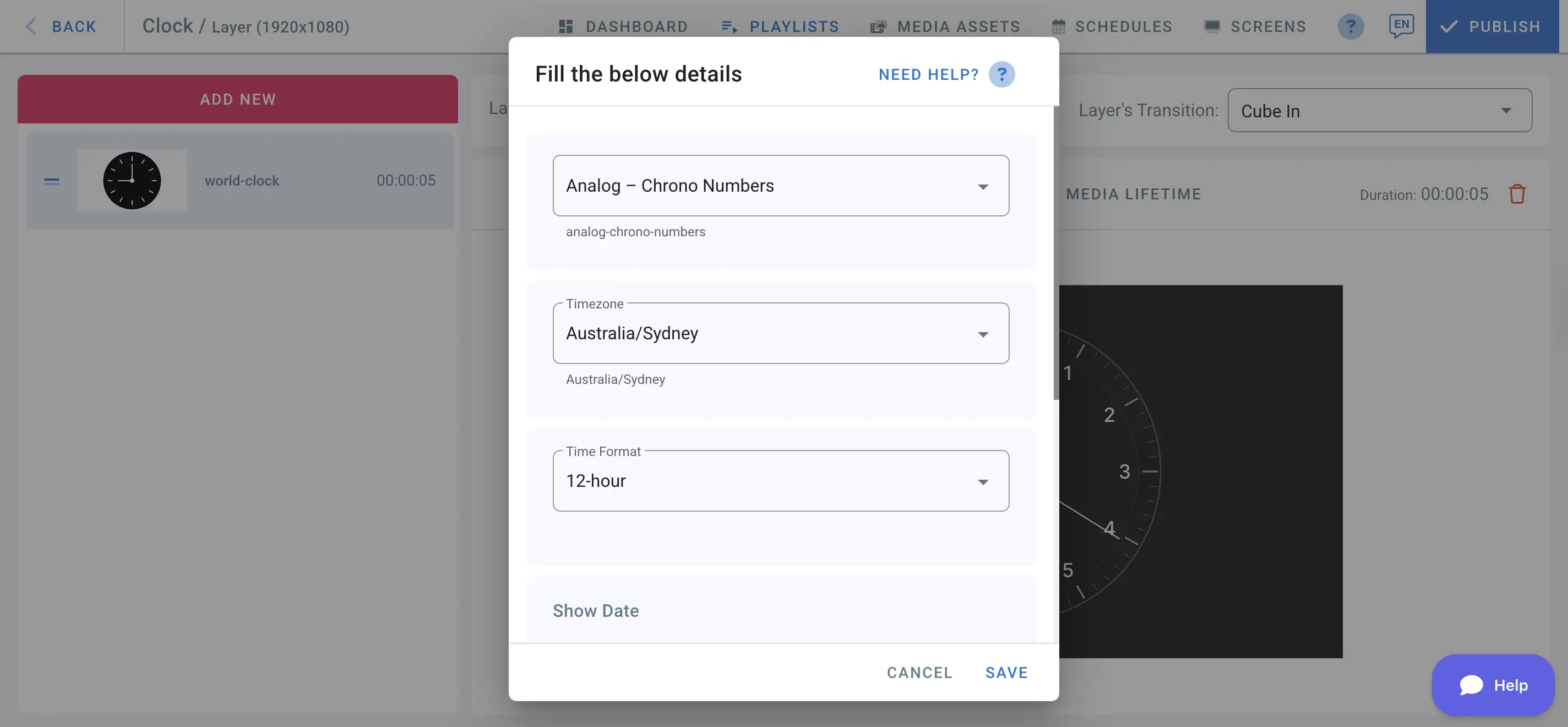
How to add World Clock to your digital signage
- Go to the management console
- Click on the playlist and then on the layer where you want to add the clock
- If the layer has no media, the apps dialogue will open. Otherwise, click on Add New
- Go to General Apps then choose World-Clock
Options
| Option | Description |
|---|---|
| Theme | Select the visual style for your clock from 28+ digital and analog designs. |
| Timezone | Set the timezone for the clock. Enter a location or UTC offset (e.g. +1100). The resolved location name is shown as a read-only label. |
| Time Format | Display time in 12-hour or 24-hour format. |
| Show Date | Enable the option to display the current date below the time. It is applicable only in digital designs. |
| Clock Label | Add a custom text label to the clock face, for example a city name, department, or office location. |
| Font Color | Choose the color for the clock digits, hands, and labels. Defaults to near-white (#fefefe). |
| Background Color | Set the background color behind the clock. Defaults to a dark charcoal (#1d1d1d). |
Use cases
The World Clock app is ideal for any setting where time awareness matters. Display multiple clocks across different zones on a split-screen layout to serve international teams or travellers. Use a branded color palette and custom label to align the clock with your corporate identity. In hospitality and transport environments, the clock reinforces professionalism and keeps guests informed at a glance.