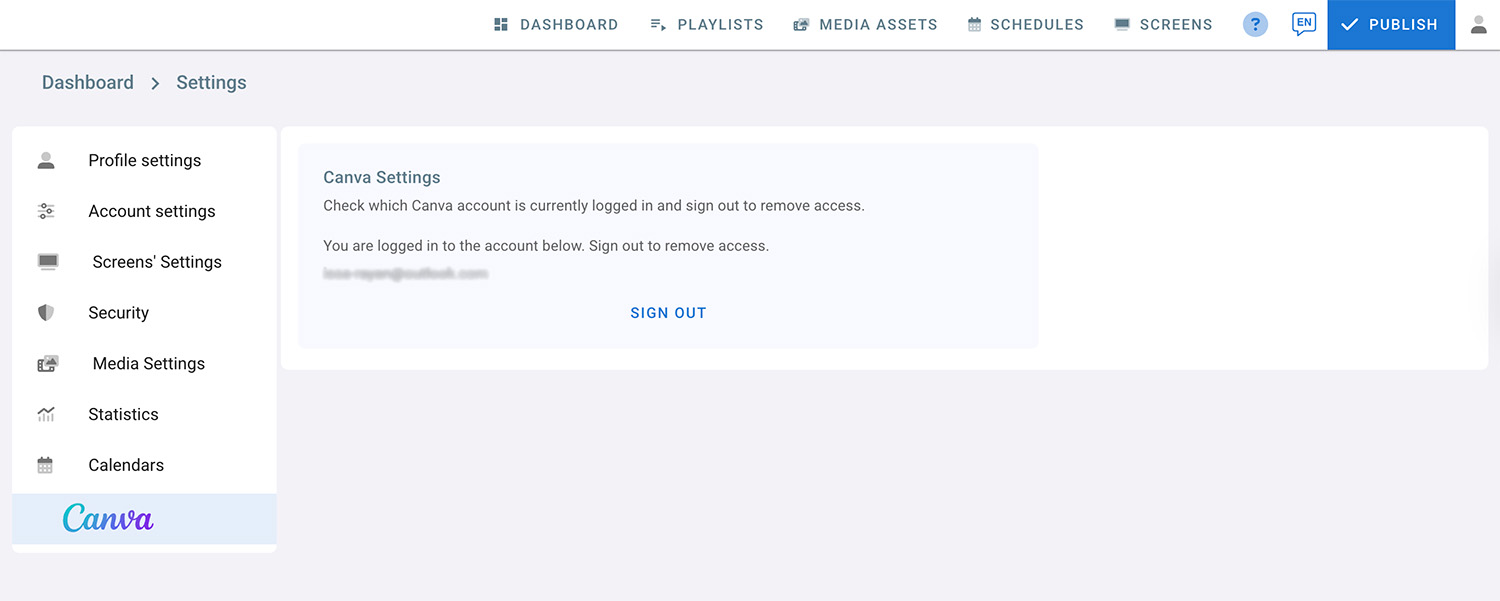
This section explains how to disconnect your Canva account from your digital signage. If you no longer want to access your Canva account, you can easily remove the connection through the Canva Settings page.
Once signed out, Digital Signage will no longer be able to access or import designs from your Canva account unless you connect it again.
To remove access and delete your Canva account, follow these steps:
- Click on the profile icon located in the top right corner.
- Select Settings from the menu.
- Choose Canva Settings.
- You will see the Canva account that is currently logged in. Click on Sign out to remove access.